



|
KiCad 9.0 |
|

|
arduino IDEArduino
|
esp32 Midi Prodessor
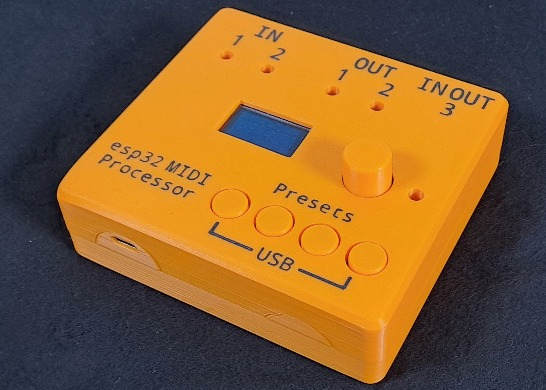
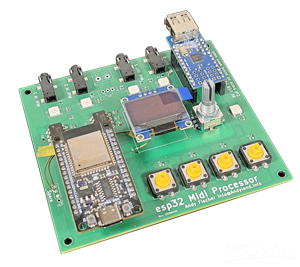
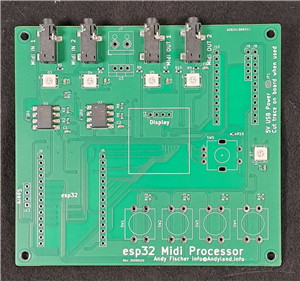
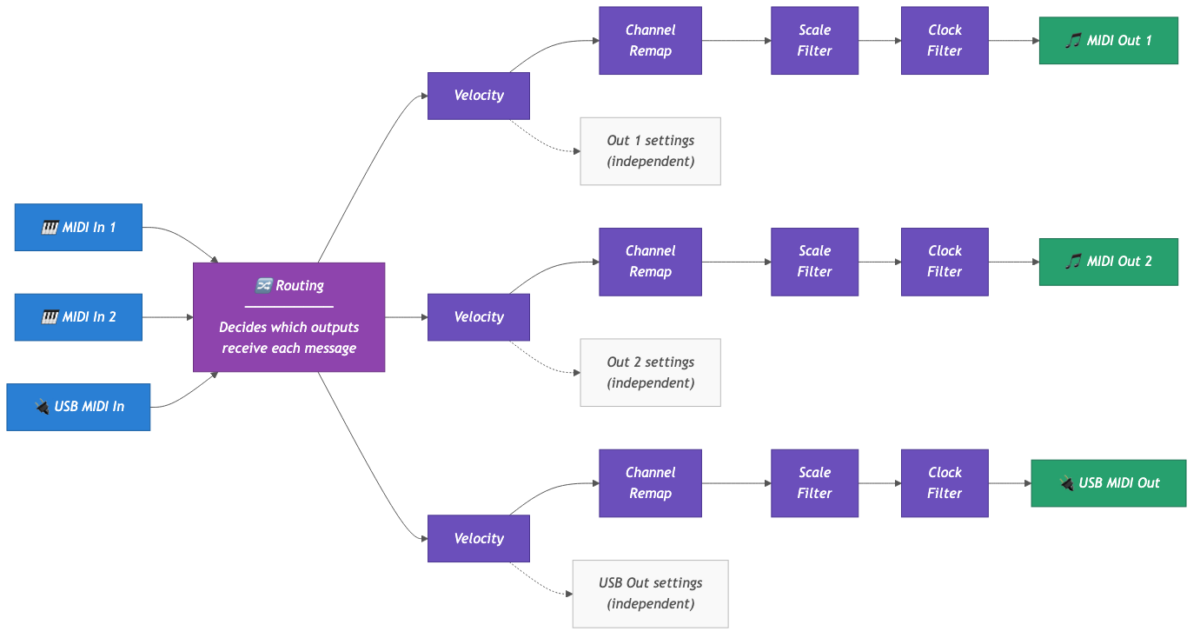
It’s an esp32 with 2 independent Midi IN- and 2 independent Midi OUTputs and a USB-host adapter. Incoming MIDI data (notes, CCs, MIDI Clock) can be routed and modulated. Every output can be modulated independently. As of firmware version 0.98 these are the available features per output:
- Route every input to every output
- Merge MIDI data per output
- Modulate velocity:
- velocity passthru (no modulation)
- set to 63
- set to 100
- set to 127
- randomize
- randomize around 100 (95..105)
- Modulate a note’s MIDI channel:
- passthru
- set channel to 1..16
- Modulate a CC’s MIDI channel:
- passthru
- set channel to 1..16
- Scale filter: only allow notes that fit to a given scale to be processed:
- passthru (off)
- major
- minor
- pentatonic major
- pentatonic minor
- Filter/block:
- passthru
- block MIDI clock
- allow only MIDI clock to be processed
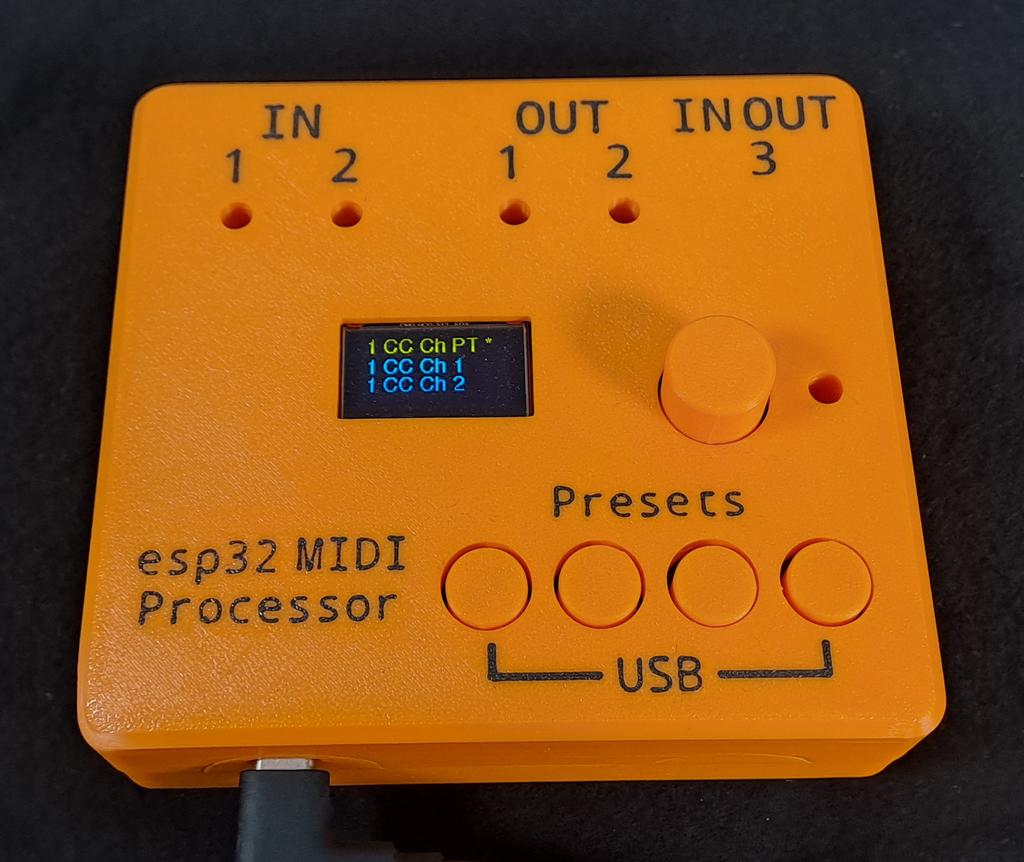
Modulators are set by using the rotary encoder next to the display: Simply twist it until the desired modulator appears in the top (yellow) line of the display and press down on the encoder. This will activate the selected modulator. Active modulators are indicated by an asterisk next to them. The picture below shows the modulator for CC channels on output 1 being set to passthru (PT). This is also the default setting: CCs are sent out with their respective channel values unchanged.
The fact that the modulators are applied to the outputs independently allows for a maximum of possible combinations. For example: You can use a midi-keyboard on input 3 (USB) and route the midi data to output 1 and 2 (TRS). Output 1 is connected to a synth which runs on channel 3, output 2 is connected to a synth that runs on midi channel 8 and needs a fixed velocity and reacts allergic to incoming midi clock data. Sounds like a plan to me =)
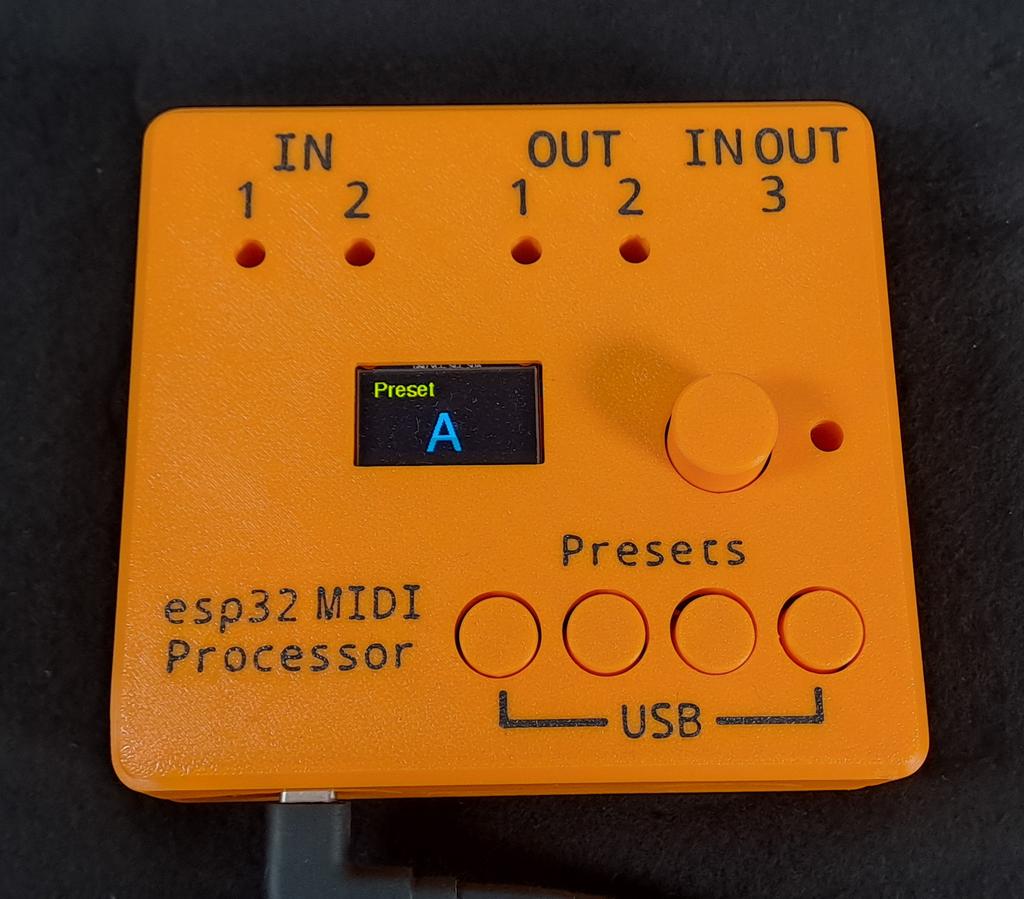
Since it’s over 200 attributes that can be set I also implemented a handy preset function to keep everything usable: Every configuration can be saved and recalled as one of four available presets. Pressing and holding a button for 3 seconds saves the current configuration into a preset, simply clicking a button recalls the saved settings immediately. The firmware is mostly handcrafted. I developed major parts ~2 years ago and only did the last things with help of our new AI overlord. Everything is available on Github.
Find more details, contacts, etc at my website: https://andyland.info/wordpress/esp32-midi-processor/
esp32 Midi Prodessor


Attribution-ShareAlike (CC BY-SA) License
Read More⇒








Raspberry Pi 5 7 Inch Touch Screen IPS 1024x600 HD LCD HDMI-compatible Display for RPI 4B 3B+ OPI 5 AIDA64 PC Secondary Screen(Without Speaker)
BUY NOW


- Comments(3)
- Likes(0)
More by Andy Fischer
-
-
ARPS-2 – Arduino-Compatible Robot Project Shield for Arduino UNO
2531 0 5 -
A Compact Charging Breakout Board For Waveshare ESP32-C3
2984 3 8 -
AI-driven LoRa & LLM-enabled Kiosk & Food Delivery System
3192 2 1 -
-
-
-
ESP32-C3 BLE Keyboard - Battery Powered with USB-C Charging
3259 0 2




















